
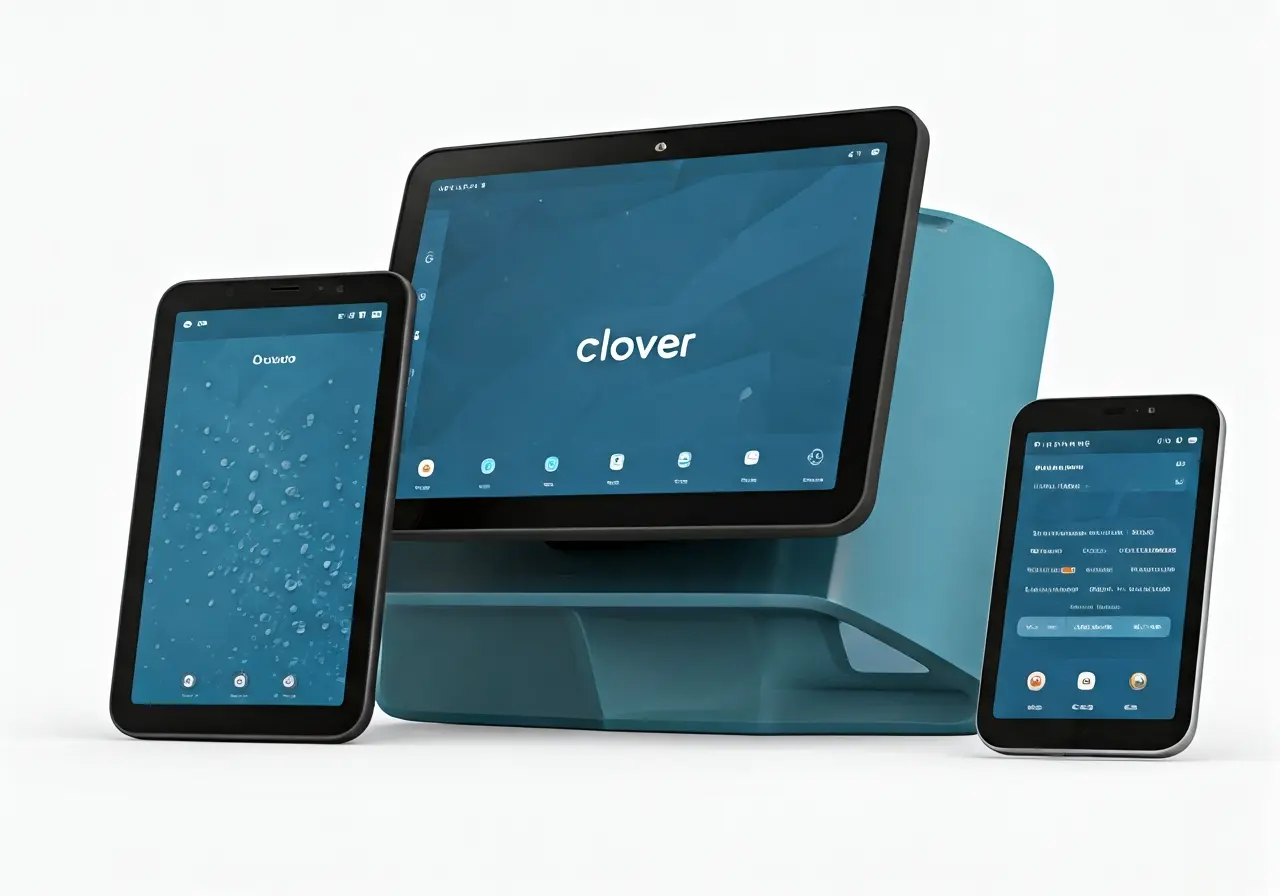
Integrating your Point of Sale (POS) system with existing business systems can offer numerous benefits, from streamlined operations to improved data management. If you’re using Clover POS, you might be wondering if it can integrate smoothly with the systems you already have in place. Let’s explore how this integration works and what steps you need to follow.
Understanding Clover POS Compatibility
Before venturing into integration, it’s essential to understand the compatibility of Clover POS with your current systems. Clover offers various integration options and API compatibility that cater to different business needs. The ability to integrate seamlessly depends largely on recognizing these compatibility aspects.
To check if Clover POS fits your existing infrastructure, evaluate your current software and hardware configuration. Look for common integration channels such as API access points or middleware applications that could facilitate the process. An extensive list of Clover’s integration capabilities is available for review on the official Clover support page.
Exploring Integration Options
Clover POS offers several integration options, including built-in apps and third-party software compatibility. Investigate which options align best with your existing systems to ensure smooth functionality.
It’s important to note that some businesses might require custom development solutions. These solutions can tailor Clover’s integration more precisely to your requirements, ensuring that any specialized needs are met without compromise.
For small businesses, leveraging Clover’s app marketplace provides access to various applications that facilitate everyday operations. Checking the compatibility of each app with your current systems aids in maintaining operational coherence.
Configuring Settings for Integration
Once you’ve chosen the best integration path, configure the settings within Clover POS to enable seamless interaction with your existing systems. Proper configuration is crucial for maintaining data integrity and system performance.
During this setup phase, you should also consider the user roles and access permissions within Clover POS. Aligning these permissions with your existing security protocols will help protect sensitive business data while facilitating smooth operation.
It might also be necessary to adjust your network settings to accommodate the data flow between Clover POS and your business systems. Ensure to consult detailed setup guides specific to the hardware and software you are configuring.
Testing and Troubleshooting
Before fully implementing the integration, thoroughly test the system to identify any potential issues. This step is crucial for ensuring that data flows correctly and all systems work harmoniously together.
Begin with basic functionality tests, such as simple transactions and inventory adjustments, to ensure that Clover POS interacts appropriately with your existing systems. Gradually introduce more complex processes to verify error-free performance across all business functions.
You can utilize detailed logs and diagnostic reports provided by Clover POS during this phase. They are instrumental in pinpointing any inconsistencies or errors that might disrupt business operations.
Seeking Expert Advice
If you’re facing challenges during integration, consider consulting with IT professionals or Clover support. Expert advice can provide guidance and ensure a successful integration, minimizing disruptions to your operations.
Collaborating with professionals can also help in implementing more complex integrations or securing your POS environment against potential threats. Expert guidance is invaluable in navigating unforeseen obstacles, leveraging their experience and insights in dealing with similar systems.
Additionally, utilizing resources like the Clover community forums can offer insights from other users who have successfully integrated their systems.
Bringing It All Together
Integrating Clover POS with your existing systems can be a seamless process with the right approach. By understanding compatibility, configuring settings, and utilizing integration options, you can enhance your business operations without major disruptions. Remember to test thoroughly and seek expert advice if needed to ensure a successful integration. To learn more about how Clover POS can benefit your business, visit Swift Payments.